
If you use mRemoteNG and store passwords in this program (yes, storing passwords is wrong in principle), you should keep in mind that by default, stored passwords are very easily accessible.
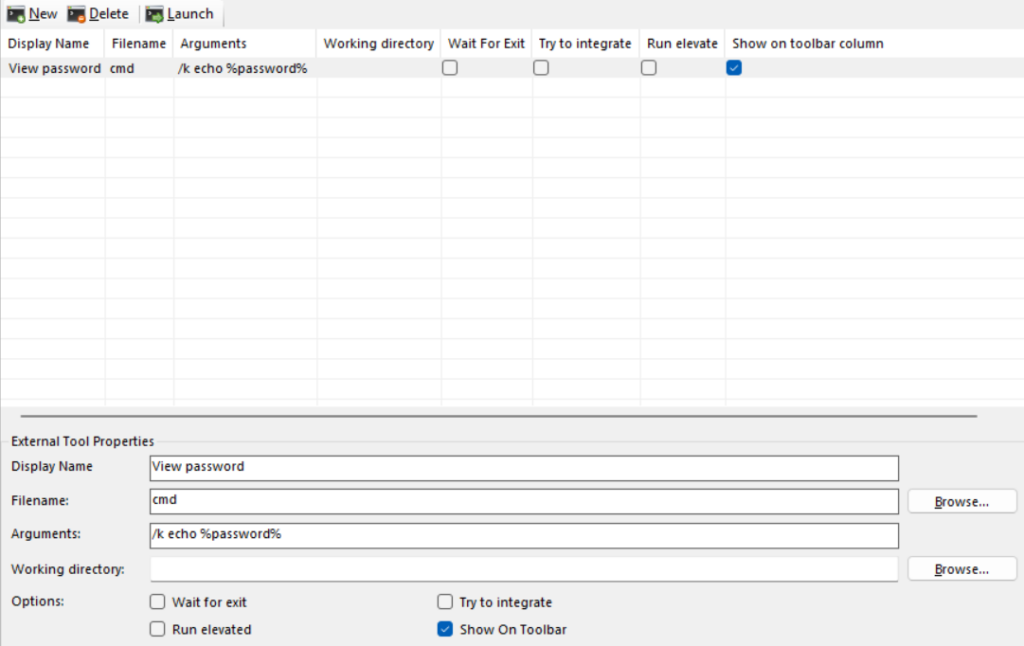
To view the stored password, you just need to add an external application in the mRemote.
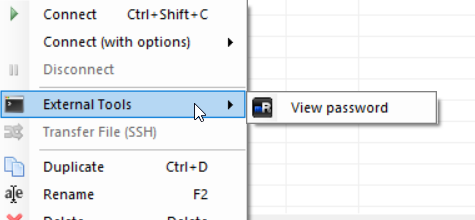
Then just right click on the saved connection and select “External Tools” -> “View password”.
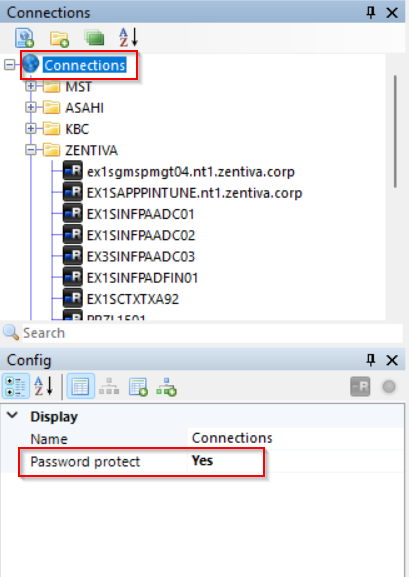
To prevent passwords from being stolen, you need to enable password protection. You will need to set a password when you enable “Password protect” for first time. Later, when you want to change your password, you will have to turn “Password protect” off and on again.
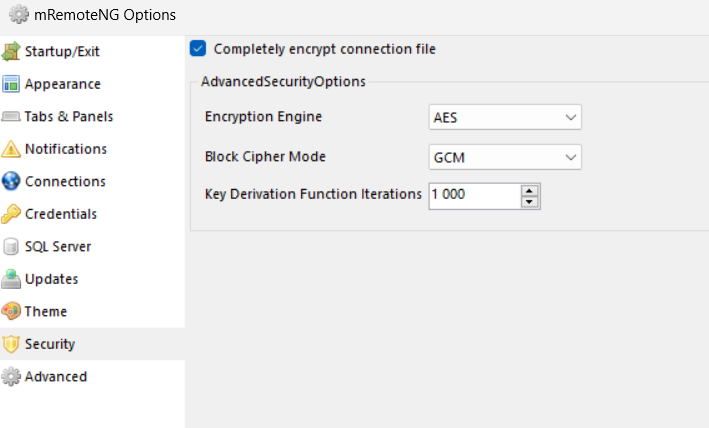
Next, I still recommend encrypt the complete configuration. You do this in the settings.